

Introduction
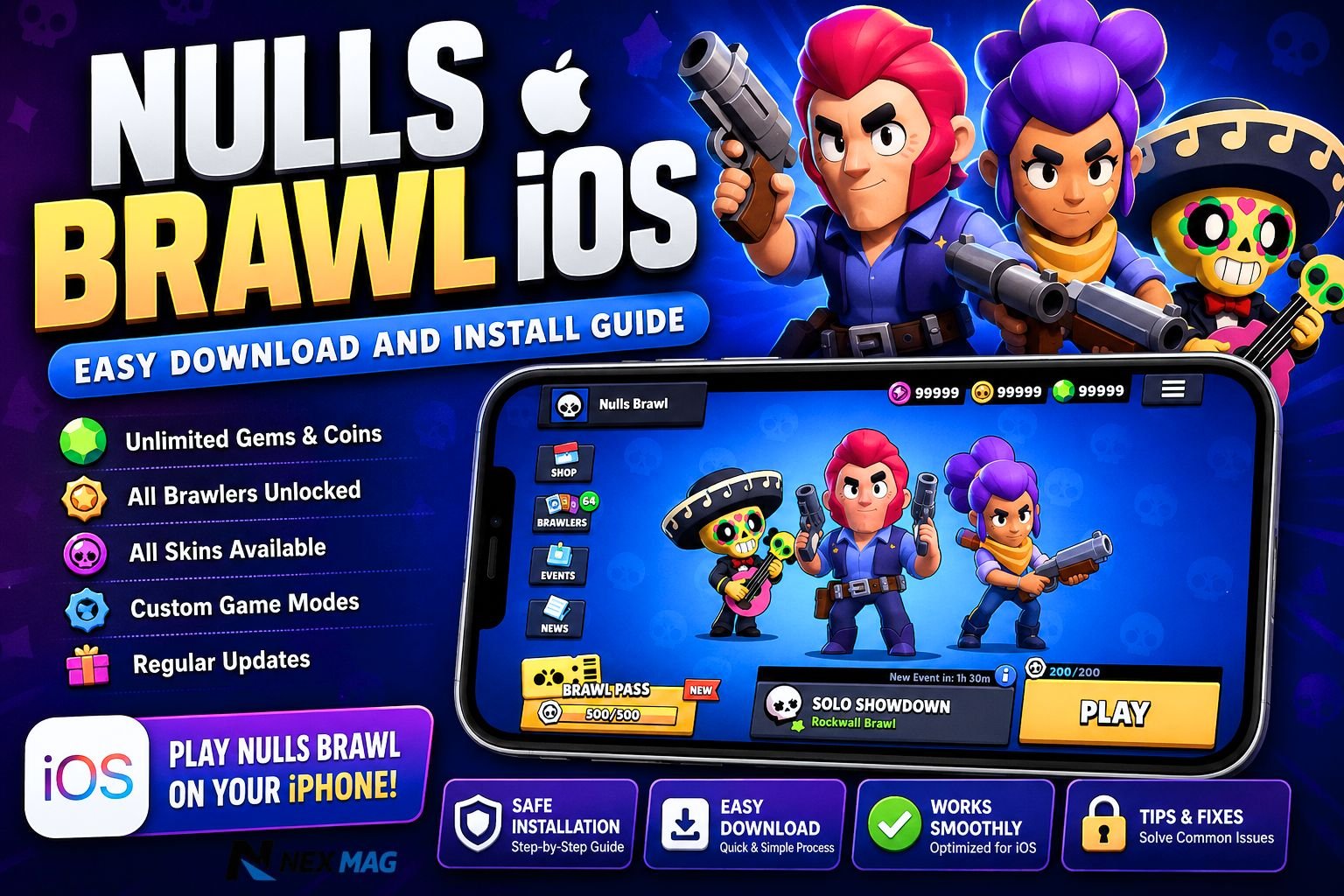
Nulls Brawl iOS is a popular private server version of Brawl Stars made for players who want to test unlocked brawlers, skins, resources, and custom features outside the official game. It is not the same as the original Brawl Stars app from Supercell, so iPhone users should understand how it works before installing it.
This guide explains what Nulls Brawl iOS is, how installation usually works on iPhone, what to prepare before downloading, and the safety points every user should know. The goal is to help readers make an informed choice, not rush into installing unknown files.
| Label | Information |
|---|---|
| App Name | Nulls Brawl iOS |
| Game Type | Private Brawl Stars Server |
| Platform | iPhone and iPad |
| File Format | IPA File |
| Developer | Nulls Team |
| Main Purpose | Custom Brawl Stars Experience |
| Key Feature | Unlimited Gems and Coins |
| Brawlers | All Characters Unlocked |
| Installation Method | Third-Party IPA Install |
| Jailbreak Needed | No |
| Official Status | Unofficial Version |
| Internet Requirement | Required for Gameplay |
| Best For | Casual Testing and Fun Play |
What Is Nulls Brawl iOS?
Nulls Brawl iOS is a private server version of Brawl Stars. Instead of connecting to Supercell’s official servers, it runs on separate private servers. This is why it can offer features that are not normally available in the official game, such as unlocked brawlers, skins, coins, gems, and experimental content.
The main appeal is freedom. Players can try different brawlers, test skins, explore game modes, and play casually without grinding for resources. For many users, Nulls Brawl feels like a sandbox version of Brawl Stars where everything is already available.
However, it is important to understand that Nulls Brawl is not an official Supercell product. Supercell’s official Brawl Stars is available through official app stores and is governed by Supercell’s terms and policies.
Is Nulls Brawl Available for iOS?
Yes, Nulls Brawl has iOS versions shared by Nulls-related sites, usually as an IPA file. An IPA file is the installation package format used for iPhone and iPad apps. Unlike Android APK files, IPA installation on iOS is more restricted because Apple controls app installation more tightly.
The official Nulls website says the iOS version may require a developer certificate or signing through an Apple ID. This means installing Nulls Brawl iOS is not always as simple as tapping “Install” from the App Store.
Why iPhone Installation Is Different
Installing apps on iPhone is different from Android because iOS normally expects apps to come from the App Store or from trusted developer systems. When an app comes from outside the App Store, the device may block it until the developer profile is verified.
Apple explains that custom enterprise apps may require manual trust before they can open. After trusting the developer, iOS may also need to reverify the certificate from time to time. If verification fails, the app may stop opening.
This is one reason Nulls Brawl iOS can sometimes stop working even after a successful installation. The issue is often related to certificates, app signing, or iOS security checks.
Do You Need Jailbreak?
In most cases, users look for non-jailbreak methods to install Nulls Brawl iOS. Jailbreaking gives more control over an iPhone, but it also weakens Apple’s built-in security protections and can create serious risks for privacy, stability, and device safety.
A safer approach is to avoid jailbreaking and only use methods that do not require changing core iOS security settings. Even then, installing apps from outside the App Store always carries more risk than using official App Store apps.
Before You Download
Before installing Nulls Brawl iOS, check a few basic things. Make sure your iPhone has enough free storage, a stable internet connection, and an updated iOS version. It is also wise to back up important photos, files, and app data before installing any third-party IPA file.
You should also understand that private server apps can stop working after iOS updates, certificate revokes, or server changes. If you want a completely stable experience, the official Brawl Stars app is still the safest option.
How to Download Nulls Brawl iOS
The safest starting point is to look for the official Nulls source instead of random reposted files. Many fake sites use popular gaming keywords to attract downloads, and some may bundle unsafe files or misleading installer buttons.
When downloading Nulls Brawl iOS, look for the iOS or IPA version. Avoid pages that force unnecessary apps, suspicious surveys, browser notifications, or unknown configuration profiles. A genuine download page should be clear about what file you are getting and what installation method is required.
Never enter your Apple ID password into a random website. If a signing tool asks for Apple ID access, understand the risk first and use caution.
Install the IPA File
Once the IPA file is downloaded, iOS usually needs a signing method before the app can run. Some users use third-party signing tools, while others use a developer certificate method. The exact steps can vary depending on the tool, iOS version, and certificate status.
A typical process looks like this:
- Download the Nulls Brawl iOS IPA file.
- Use a trusted signing method or installer.
- Install the signed app on your iPhone.
- Open Settings and trust the developer profile if required.
- Launch the app and check whether it connects properly.
If your iPhone shows an “Untrusted Developer” message, Apple’s official guidance says the profile can usually be managed from Settings > General > VPN & Device Management or a similar Device Management section, depending on your iOS version.
Fix Installation Problems
Sometimes Nulls Brawl iOS does not install on the first try. The most common reasons are expired certificates, unsupported iOS versions, low storage, incomplete downloads, or the app being blocked by iOS security checks.
If installation fails, delete the broken app file, restart your iPhone, and download a fresh copy from the original source. Also check whether your iOS version is supported. If the developer certificate has been revoked, the app may not open until a new signed version is available.
If the app crashes after opening, the issue may be server-related rather than device-related. Private servers can go offline during updates or maintenance.
Is Nulls Brawl iOS Safe?
Nulls Brawl iOS can be fun, but it should be treated carefully because it is not distributed through Apple’s standard App Store review process. Apple reviews App Store apps for privacy, security, and quality standards, while apps installed from outside the App Store do not go through the same public App Store flow.
The biggest risks include fake download pages, unsafe IPA files, unknown developer profiles, data privacy concerns, and certificate problems. For that reason, users should avoid giving unnecessary permissions and should never use the same password they use for important accounts.
Also remember that Nulls Brawl is separate from official Brawl Stars. Do not expect your official Brawl Stars progress, purchases, trophies, or account data to transfer into Nulls Brawl.
Nulls Brawl iOS Features
The main reason people search for nulls brawl ios is the unlocked experience. Players often want to try all brawlers, explore skins, use unlimited resources, and play without the usual progression limits.
Common features include unlocked brawlers, custom resources, private server gameplay, experimental updates, and access to content that may not be available in the official game in the same way. These features make it useful for casual testing and entertainment.
Still, private server features can change at any time. If the server updates, removes content, or becomes unavailable, users have little control over it.
Nulls Brawl iOS vs Brawl Stars
Official Brawl Stars is the best option for competitive, stable, and secure gameplay. It receives updates directly from Supercell, supports official accounts, and works through the App Store.
Nulls Brawl iOS is different. It is better suited for users who want a casual private server experience with unlocked content. It is not designed for official rankings, real progression, or secure long-term account play.
If you care about fair matchmaking, account safety, and official events, stay with the official game. If you simply want to test brawlers and skins in a separate environment, Nulls Brawl iOS may be interesting.
Pros and Cons
Pros: Nulls Brawl iOS gives players access to unlocked content, fast testing, custom gameplay, and a more relaxed experience. It can be enjoyable for users who want to explore the game without grinding.
Cons: It is not official, it may stop working, it can involve third-party installation steps, and it may create security risks if downloaded from the wrong source. It also does not replace the official Brawl Stars experience.
Update Nulls Brawl iOS
Updating Nulls Brawl iOS usually means downloading the latest IPA version and installing it again. In some cases, you may need to remove the old version before installing the new one.
Before updating, check whether the new version supports your iOS version. Also remember that private server updates may not follow the same schedule as official Brawl Stars updates. If an update fails, wait for a corrected version rather than installing random mirror files.
Final Thoughts
Nulls Brawl iOS can be a fun way to explore unlocked brawlers, skins, and private server features on iPhone. It gives players a different experience from the official game, especially if they want to test content freely.
At the same time, users should be careful. Nulls Brawl is not an official Supercell app, and installing IPA files outside the App Store comes with real risks. Download only from trusted sources, avoid suspicious profiles, do not jailbreak your device, and never share sensitive login details.
For safe, stable, and official gameplay, Brawl Stars from the App Store remains the best choice. For casual testing on a separate private server, Nulls Brawl iOS can be worth exploring carefully.
FAQs
Is Nulls Brawl iOS free to download?
Yes, Nulls Brawl iOS is usually available for free. However, users should only download it from trusted sources to avoid fake or unsafe files.
Can I install Nulls Brawl iOS without jailbreak?
Yes, most modern installation methods do not require jailbreaking your iPhone. Many users install the IPA file using third-party signing tools.
Is Nulls Brawl iOS safe for iPhone?
It can be safe if downloaded carefully from reliable sources, but it still carries more risk than App Store apps because it is not officially verified by Apple.
Does Nulls Brawl iOS work on the latest iOS version?
Compatibility depends on the latest update released by the private server developers. Some versions may need updated certificates after major iOS updates.
Can I use my official Brawl Stars account in Nulls Brawl?
No, Nulls Brawl runs on separate private servers. Your official Brawl Stars progress and account data do not transfer to the private server.
